Ever seen those viral videos where a still photo suddenly comes to life?
Here’s the deal:
That’s Kling AI Motion Poster in action. And it’s changing how creators make content.
Official Kling AI Motion Control demonstration video
What Is Kling AI Motion Control?
Let me break it down:
Kling AI Motion Control is an advanced AI motion transfer technology. It’s developed by Kuaishou Technology, a major Chinese tech company.
The core idea is simple:
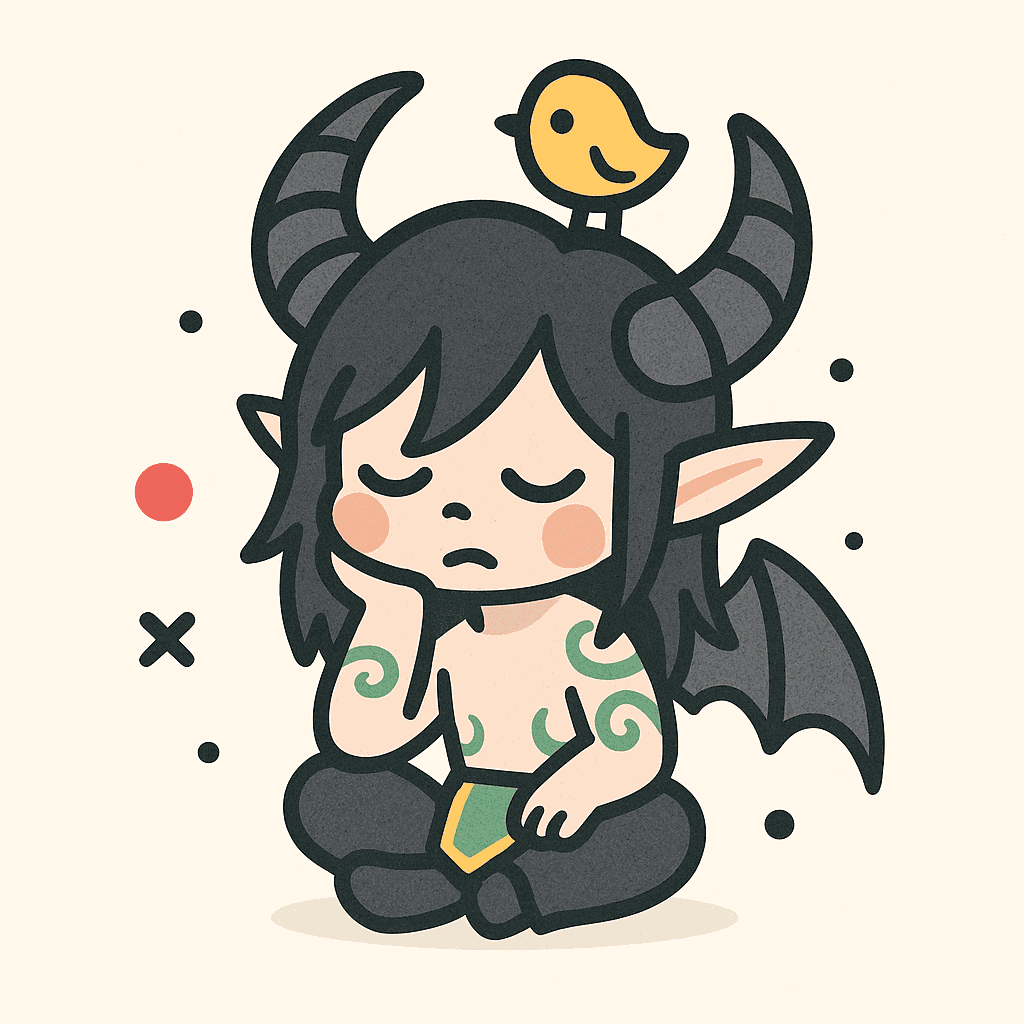
You upload a reference video. The AI extracts motion patterns. Then it applies those exact movements to your static image.
Think of it like this:
- Your still portrait starts dancing
- A character image begins walking naturally
- A product shot gains dynamic hand interactions
Want to know the best part?
The technology captures full-body motion, precise hand gestures, and natural facial expressions—all in one seamless animation.
Why Is Kling 2.6 Motion Control Trending?
Here’s what sparked the buzz:
On December 18, 2025, Kuaishou announced the Motion Control upgrade in Kling VIDEO 2.6. This wasn’t a minor update.
This is crazy:
The new feature supports reference videos from 3 to 30 seconds. It handles:
- Complex choreography like dance routines
- Fast movements like martial arts
- Precise hand gestures without blur
- Natural lip-sync and facial expressions
People call it the “digital puppet” effect. And they’re right.
It gets better:
Creators on social media started sharing examples. The content went viral. Especially during the holiday season when everyone wanted creative dynamic posts.
Kling AI Motion Control: Key Features
Here’s what makes Kling 2.6 stand out:
| Feature | What It Does |
|---|---|
| Full-Body Motion Tracking | Captures detailed body movements with stability during extended sequences |
| Hand Gesture Precision | Delivers flawless hand movements without finger merging or distortion |
| Facial Expression Sync | Preserves natural expressions and lip-sync during dynamic shots |
| Motion Reference Upload | Accepts 3-30 second videos for motion extraction |
| Flexible Orientation Modes | Match video framing or preserve original image composition |
| Text Prompt Integration | Fine-tune backgrounds, lighting, and visual style with prompts |
Kling AI vs Other AI Video Tools
You might be wondering:
Is Kling really better than Sora, Runway, or Pika for motion transfer?
Here’s the comparison based on Motion Control capabilities:
| Feature | Kling 2.6 | Sora | Runway | Pika |
|---|---|---|---|---|
| Full-Body Motion Transfer | ✅ Yes | ❌ No | ❌ No | ❌ No |
| Hand Gesture Precision | ✅ Yes | ❌ No | ❌ No | ❌ No |
| Facial Expression Sync | ✅ Yes | ❌ No | ❌ No | ❌ No |
| Motion Reference Upload | ✅ Yes | ❌ No | ❌ No | ❌ No |
| Text Prompt Control | ✅ Yes | ✅ Yes | ✅ Yes | ✅ Yes |
But here’s the kicker:
Kling’s Motion Control is a unique feature in this space. Other tools focus on text-to-video or image-to-video generation. Kling lets you control the exact motion using reference videos.
What’s the bottom line?
For precise motion transfer from reference videos, Kling 2.6 is currently the leader. Other tools excel at different tasks—but not this one.
How to Create Your First Kling AI Motion Poster
Now:
Let me walk you through the process. It’s simpler than you think.
Step-by-step tutorial: Kling AI Motion Control explained
Step 1: Access Kling AI
Head to klingai.com — the official platform by Kuaishou.
Create an account. New users get some free credits to try the tool.
Step 2: Prepare Your Materials
You need two things:
- A static character image — Full-body or half-body works best. High resolution recommended.
- A motion reference video — 3-30 seconds showing the movement you want to transfer.
Pro tip: Use clear reference videos with visible full-body movements. Simple backgrounds produce better results.
Step 3: Upload and Configure
This is where the magic happens:
- Upload your motion reference video (3-30 seconds)
- Upload your static character image
- Enter text prompts to control:
- Background elements
- Scene atmosphere
- Lighting conditions
- Visual style
Example prompt:
Elegant dancing motion, soft studio lighting, clean background, professional qualityStep 4: Choose Orientation Mode
Kling offers two options:
- Match Video: Follows the exact framing from your reference
- Match Image: Preserves your original image composition
Pick based on your creative needs.
Step 5: Generate and Export
Click generate. Wait for the AI to work.
Your output: A professional-quality animated video with precise motion control.
From there:
- Download in standard video formats
- Add music or preserve original audio
- Share directly to social media
Advanced Tips: Realistic Human Motion
Want to take your results to the next level?
How to prompt for realistic human motion in Kling AI Video Generator
Key takeaways from the tutorial:
- Match subject types — Human reference videos work best with human images
- Consider lighting consistency — Match lighting between reference and target
- Start with simple poses — Build complexity gradually
- Use descriptive prompts — Be specific about the visual style you want
Kling AI Pricing Plans (2025)
Here’s what Kling Motion Control costs:
| Plan | Price | Credits | Approximate Videos |
|---|---|---|---|
| Starter | $9.90 | 99 credits | Up to 6 videos |
| Basic | $29.90 | 330 credits | Up to 22 videos |
| Plus | $49.90 | 600 credits | Up to 40 videos |
New users may get free credits to test the platform. Check klingai.com for current offers.
Best Use Cases for Kling Motion Poster
Here’s where Kling AI Motion Control shines:
| Use Case | Application |
|---|---|
| Character Animation | Apply real dance or action choreography to illustrated characters |
| Product & Brand Videos | Transfer human gestures to animated brand mascots |
| Marketing Content | Create dynamic product demos with realistic interactions |
| Social Media | Produce engaging short-form videos for TikTok and Instagram |
| Storyboarding | Generate realistic character performances for pre-visualization |
Real-World Examples
Want to see what creators are making?
Here are some popular use cases from the community:
Dance Animation:
- Upload a TikTok dance video as reference
- Apply to illustrated character or AI-generated portrait
- Result: Viral-worthy animated content
Product Marketing:
- Film hand gestures interacting with product
- Transfer to 3D product render
- Result: Dynamic product showcase without expensive video production
Character Acting:
- Record actor performing scene
- Apply to concept art character
- Result: Pre-visualization for animation projects
💡 Pro Tip: Browse klingmotion.com for more examples and inspiration from other creators.
Tips for Better Kling AI Results
Before you dive in:
- Use high-quality reference videos — Clear, noise-free footage produces best results
- Keep backgrounds simple — Complex backgrounds can confuse the motion extraction
- Choose appropriate character images — Full-body or half-body images work best
- Stay within 3-30 seconds — This is the optimal motion reference range
- Iterate and refine — First results may need prompt adjustments
Limitations to Know
No tool is perfect. Here’s what to expect:
- Motion references must be 3-30 seconds (no longer)
- Extremely fast or complex motions may produce minor artifacts
- Heavily blurred or shaky reference videos won’t work well
- Generation time varies based on complexity and server load
But for most motion poster use cases? These limitations rarely impact results.
FAQ
Is Kling AI Motion Control free?
New users may receive free credits. Beyond that, paid plans start at $9.90 for 99 credits (approximately 6 videos).
Do I need video editing skills?
Nope. The AI handles motion extraction and transfer automatically. Just prepare good source materials and prompts.
What video formats does Kling accept?
Standard video formats like MP4, MOV, and WebM are supported. Reference videos must be 3-30 seconds long.
Can I combine motion references with text prompts?
Yes. Upload your motion reference and use text prompts to fine-tune scene details, lighting, and visual style for greater creative control.
How long does video generation take?
Generation time varies based on video complexity and length. Typically a few minutes per video.
Is Kling AI available worldwide?
Yes, klingai.com is accessible globally. Some features may vary by region.
Does it work with non-human characters?
It works best when image and video subjects are similar, but stylized and illustrated characters are supported.
Can I keep the original audio from my reference video?
Yes, audio preservation is optional. You can keep the original soundtrack or generate silent output.
Wrapping Up
Here’s what you need to remember:
Kling AI Motion Control in version 2.6 is a breakthrough for AI video generation. It’s the first tool to offer precise motion transfer from reference videos to static images.
Whether you’re creating marketing content, animating characters, or producing social media videos—Kling delivers professional results with minimal effort.
The technology launched on December 18, 2025, and it’s already reshaping how creators approach dynamic visual content.
Ready to try it? Head to klingai.com and see what you can create.
Additional Resources
- Official Platform: klingai.com
- Motion Control Guide: klingmotion.com
- Pricing Details: klingmotion.com/pricing
Last updated: December 29, 2025